
 Computers and hardware
Repairs, upgrades and servicing
Help with faults, poor performance, practical upgrades and hardware decisions when a computer is not meeting your needs.
Practical on-site computer servicing and support for troublesome computers, Wi-Fi, email, printers and everyday technology at your home or small business.
Computer support and servicing
From computer repairs and upgrades to connection problems, we help work through the issue and explain the next step clearly.
Computers and hardwareHelp with faults, poor performance, practical upgrades and hardware decisions when a computer is not meeting your needs.
 Connections
Practical troubleshooting for weak coverage, lost connections and home or small-business networking.
 Everyday devices
Get accounts, printers, scanners, computers and other devices connected and ready to use.
Who we help
Home computer support
Computers, accounts, Wi-Fi, printers, backups and other devices can often be considered together during an on-site visit.
Explore home supportSmall-business IT support
Get practical assistance with computers, connectivity, shared devices, accounts and sensible technology decisions for a small business.
Explore business supportTaranaki service area
On-site help can be arranged for homes and small businesses across the region. Remote assistance may suit some software, account and setup problems.
This map is a general service-area guide, not a guarantee of availability at every location. Get in touch to discuss where you are and what help you need.
Ask about your location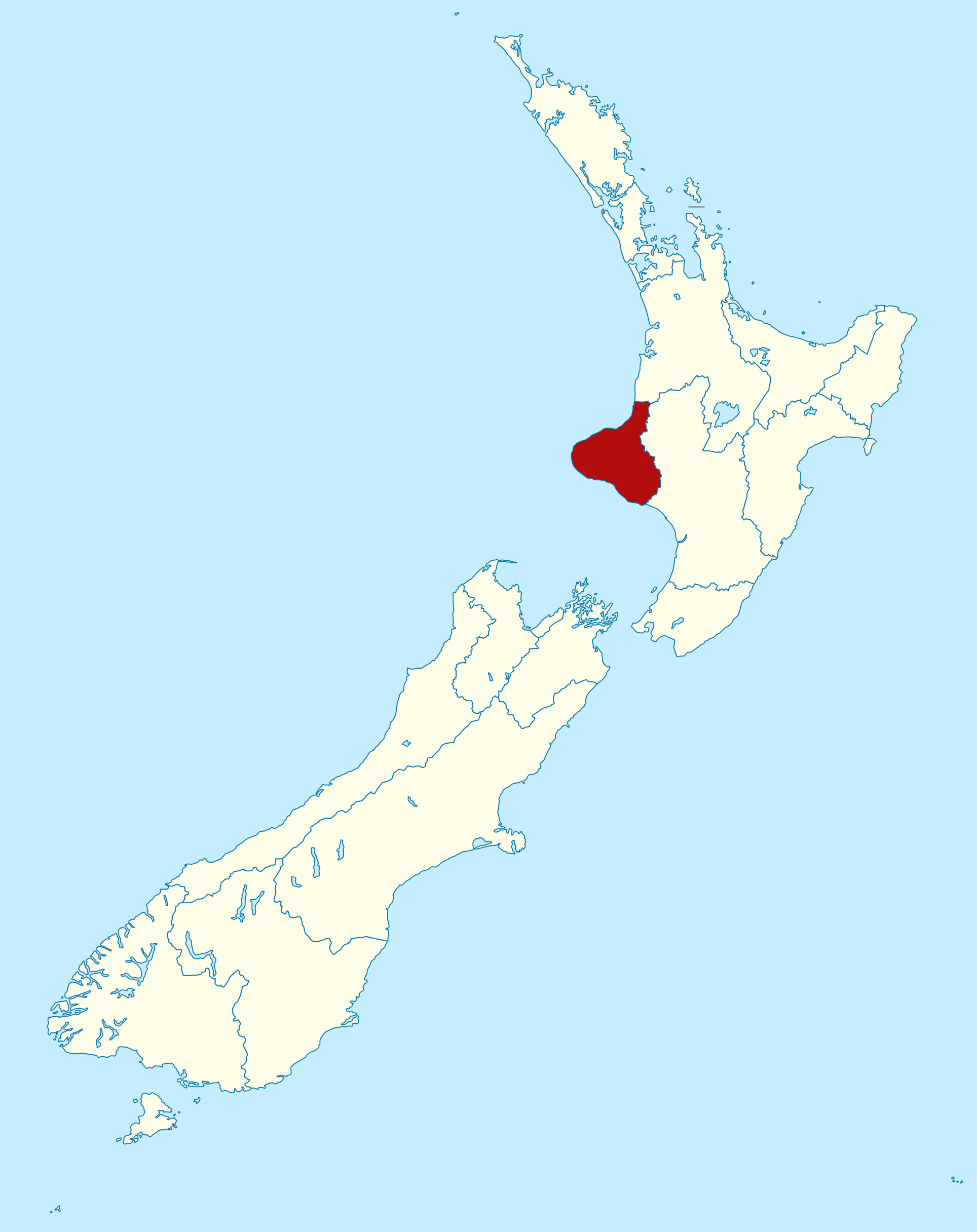
Customer feedback
“Awesome work. Mark got us up and running again.”
“Mark sorted a connection issue that no one else had been able to figure out.”
“Mark found a problem with our laptop that we weren’t aware of. He was very thorough, kept our data safe, and now the laptop is running really fast.”
“After OneDrive and some updates caused problems, some of our files would no longer open. On-Site resolved the issues and got everything working the way we were used to again.”
What happens next
Use the short form or phone (06) 927 3004.
Let us know what is happening, where you are and what you need to do.
We can discuss whether on-site or remote help is appropriate.
Need computer help?
Start with a short description of the problem.